Description
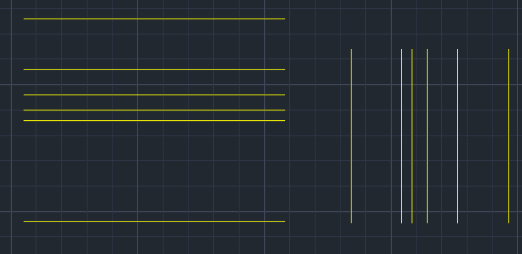
This tool allows you to continuously perform offsets with different values without having to restart the command each time.
- Function
- It streamlines the workflow when you need to offset objects at varying distances repeatedly. Instead of the standard Offset command flow (Command > Value > Object > Direction > Exit > Restart), this tool keeps the command active for continuous input.
- Process
- Input value -> Offset object -> Input new value -> Offset object -> Repeat infinitely.
How to use
- 1.Type MOF in the command line and press Enter.
- 2.Enter the desired Offset Distance.
- 3.Select the Object you wish to offset.
- 4.Click to define the Direction of the offset.
Example
Included free
All 401 LISP utilities come free with every Cadopilar license.
Purchase any Cadopilar license and our team will install the complete suite for you. No additional charge, no setup headaches.
Contact us to get started →