Cadopilar Classic
Essential 2D Drafting for Professionals Who Need Speed, Simplicity & Accuracy. A lightweight yet powerful 2D CAD solution.
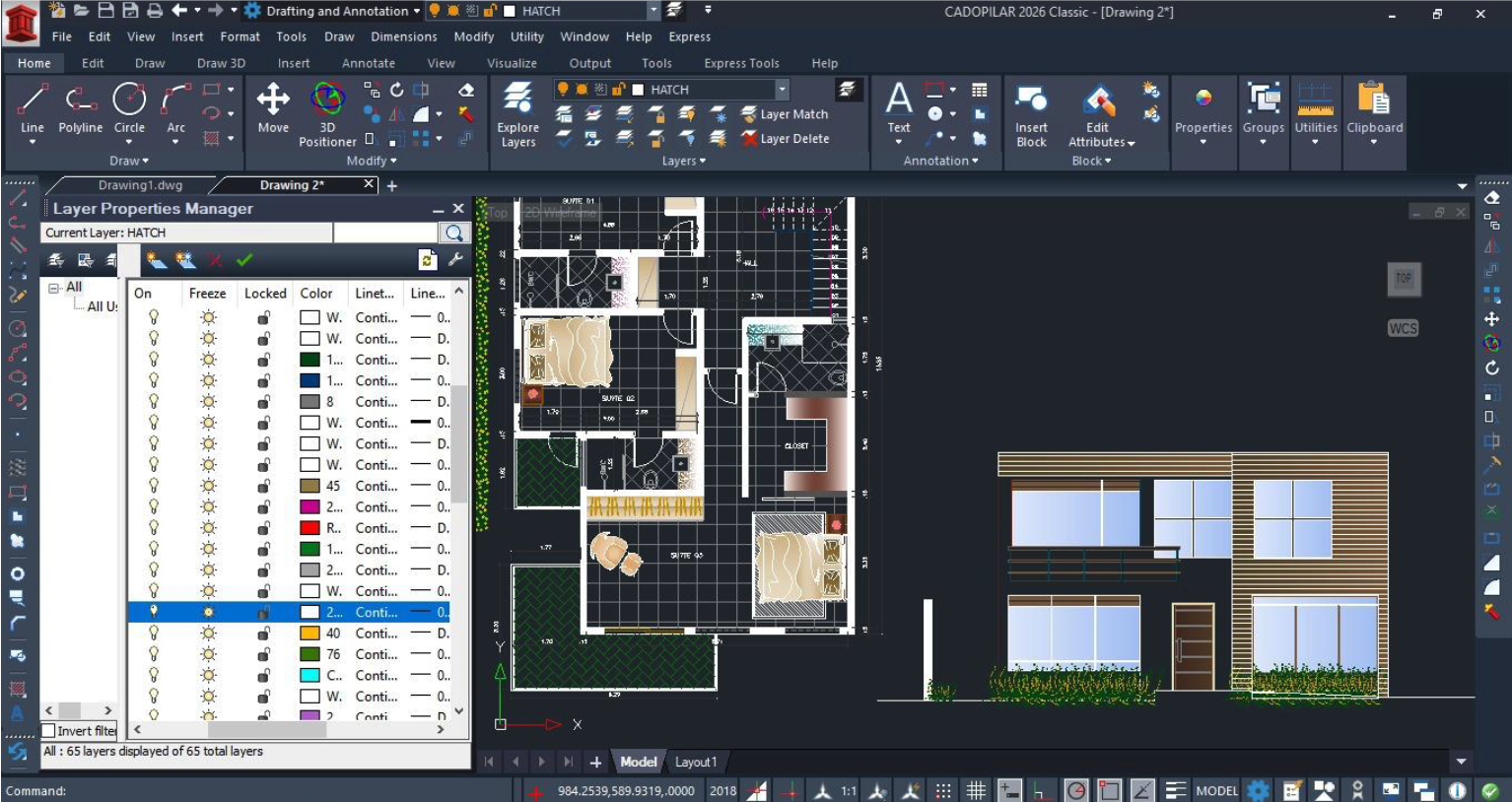
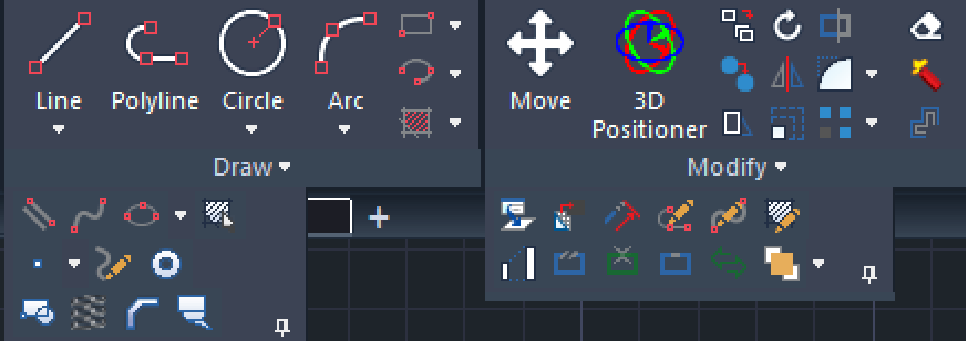
Robust 2D Drafting
Cadopilar Classic offers a powerful 2D drafting toolset for creating, editing, and annotating professional drawings within a single, unified CAD environment, delivering accuracy and smooth performance from layouts to detailed documentation.
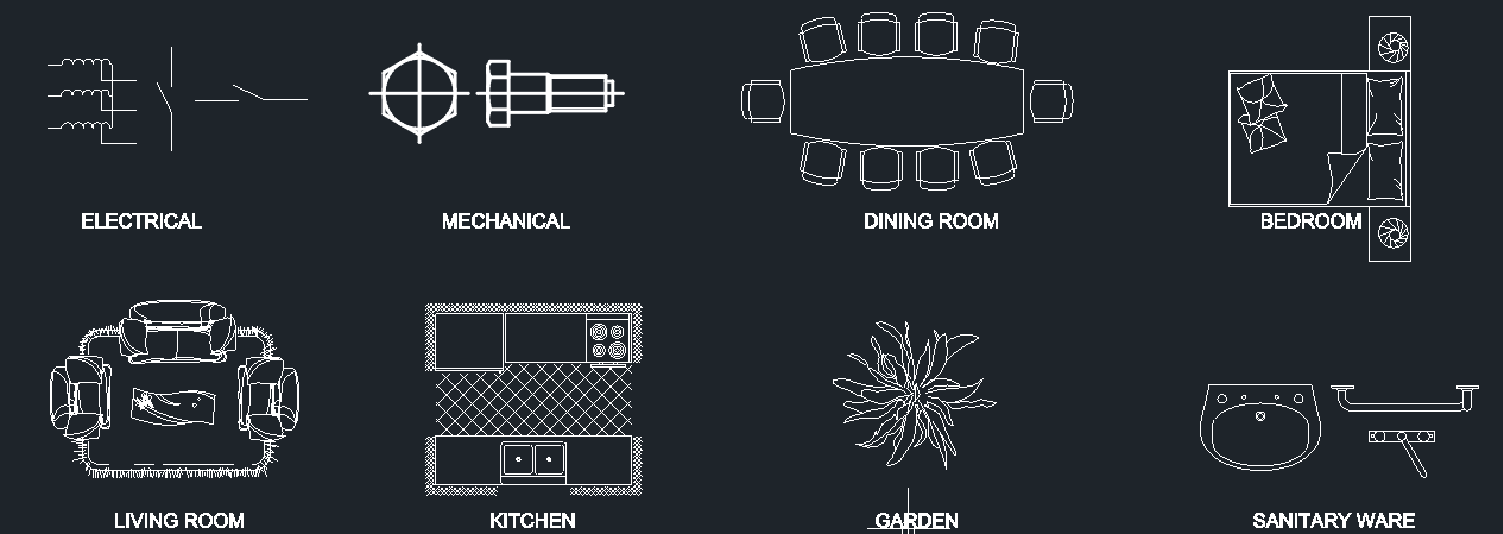
Blocks & Symbol Management
Create, manage, and reuse blocks and symbols to streamline drafting workflows. Maintain consistency across drawings while reducing repetitive work.
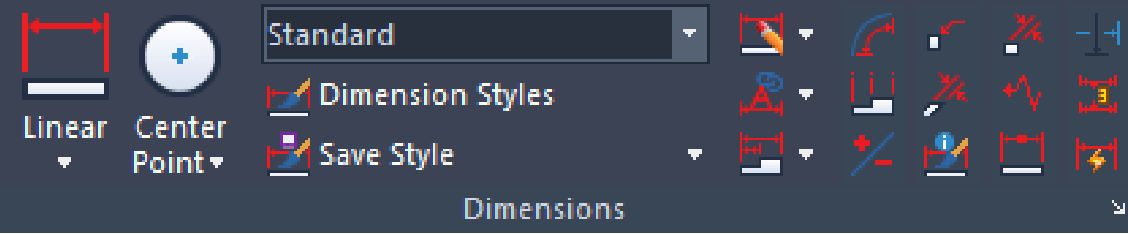
Text, Dimensions & Annotations
Produce professional drawings with powerful text, dimension, and annotation tools. Ensure clarity and accuracy across all documentation with consistent and well-structured annotations.
DWG Compatibility
Native DWG support for seamless editing, saving, and collaboration.
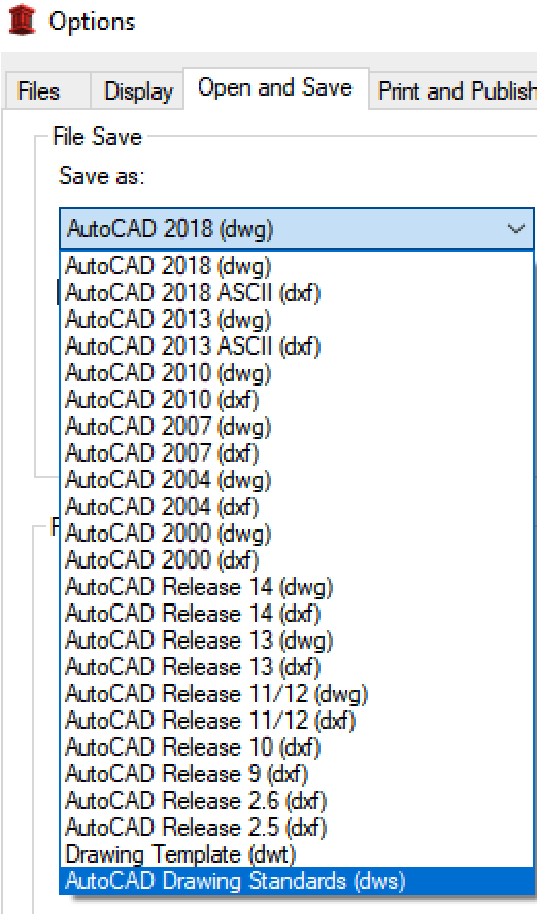
Industry-Standard DWG Support
Open existing AutoCAD® DWG files and continue working without disruption. Native DWG file format, full compatibility with existing drawings, and reliable collaboration with consultants and clients.
Familiar Interface & Commands
Transition easily with a familiar CAD drafting environment. Industry-standard commands and workflows, familiar interface for quick adoption, minimal learning curve for CAD professionals, and fast onboarding for individuals and teams.
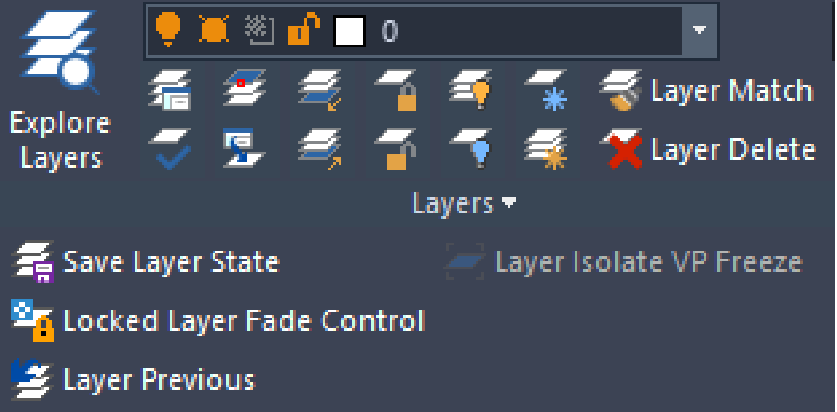
Efficient Layer Management
Organize drawings clearly and professionally. Create, manage, and control layers, improve drawing clarity and plotting accuracy, and maintain structured and readable drawings.
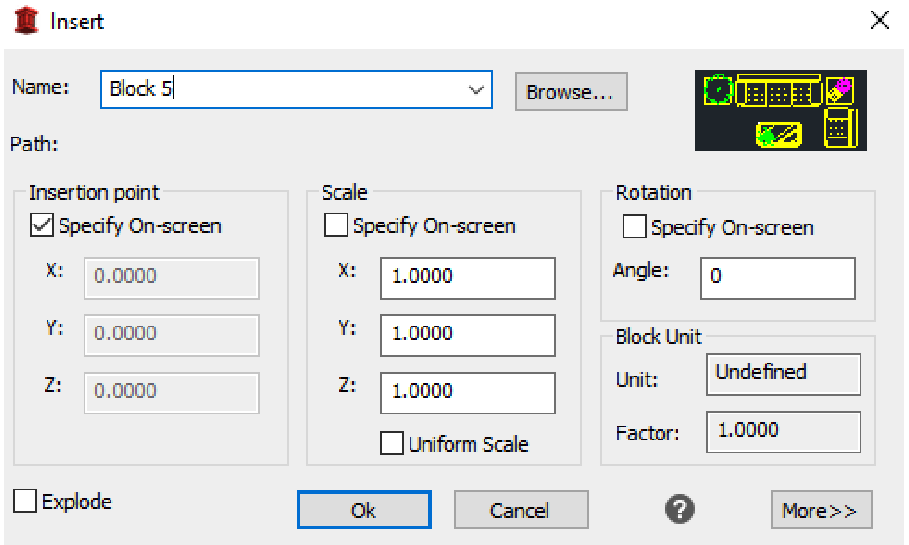
Efficient Block Management
Create blocks once and reuse them across drawings to speed up drafting and maintain consistency. Create standard blocks from existing geometry, insert and reuse blocks across multiple drawings, update repetitive details efficiently, and maintain uniform symbols and drawing standards.
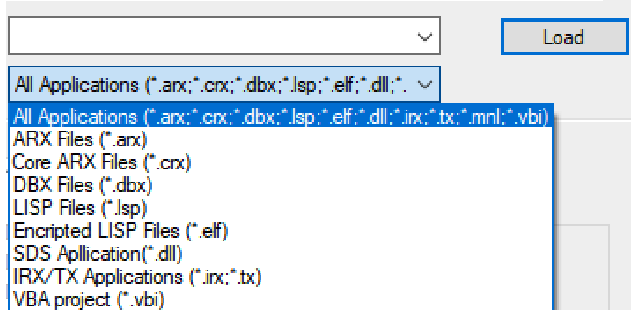
AutoLISP Compatibility
Run and reuse your existing AutoLISP routines to streamline drafting workflows and improve efficiency. Easily integrate in-house LISP routines into Cadopilar Classic, automate repetitive tasks with custom LISP scripts, and access a library of automation tools from the applications catalog.
Project Documentation
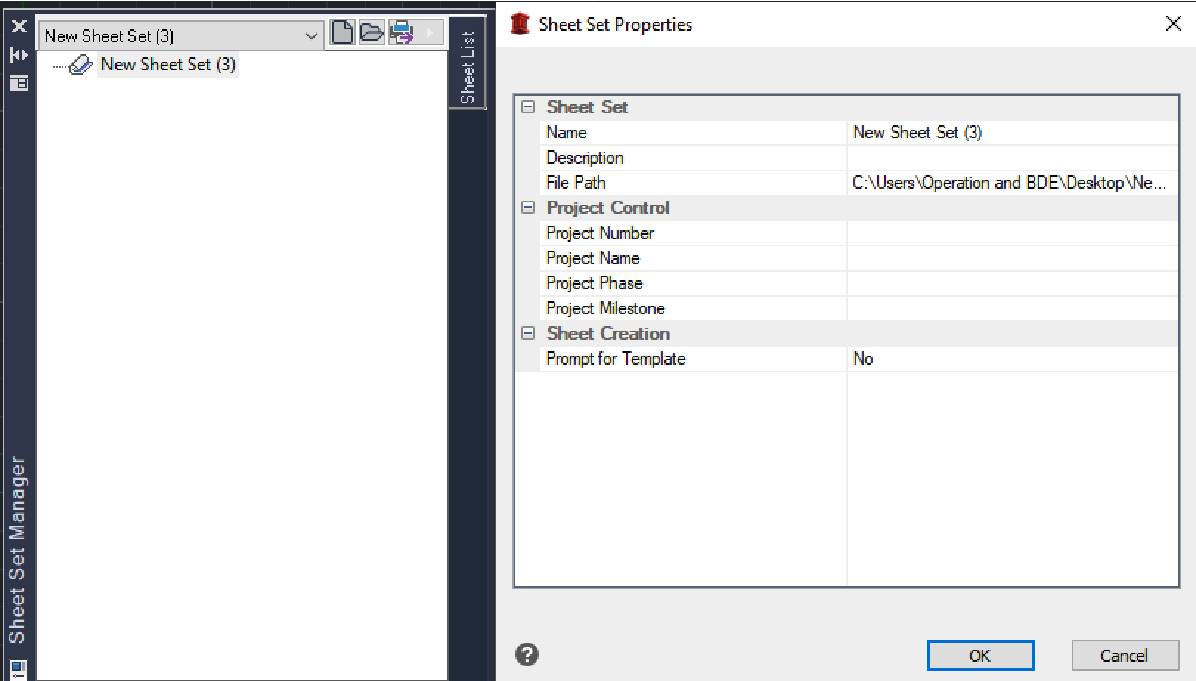
Organize and streamline your drawings using the Sheet Set Manager. Leverage the Sheet Set Manager to organize project drawings efficiently and accelerate documentation throughout the project lifecycle.
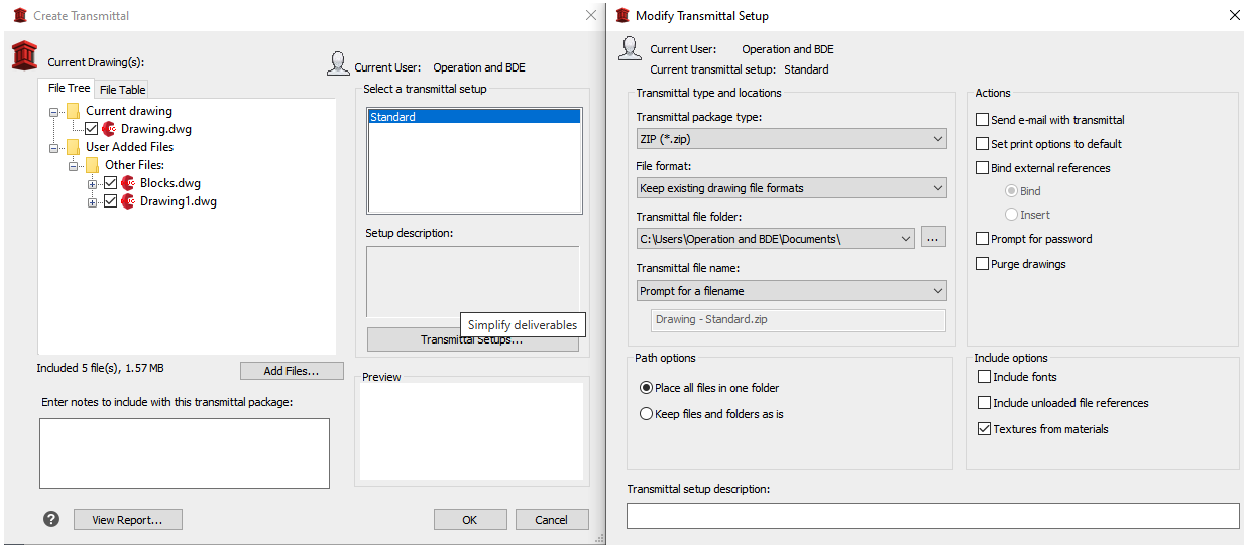
Easy Export
Export project-drawing packs directly to a folder structure or a compressed ZIP file for fast delivery.
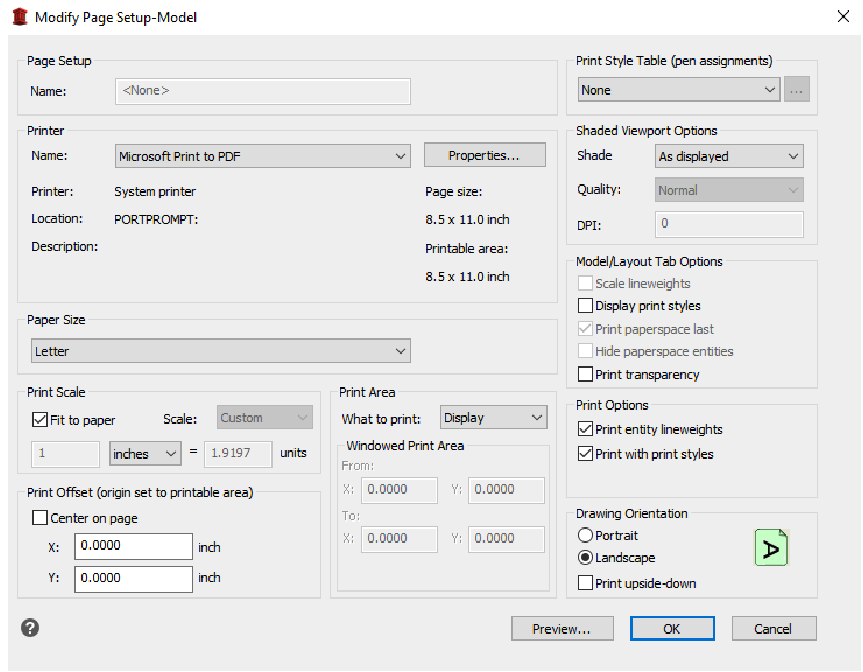
Professional Drawing Output
Use predefined title block templates consistently across all project drawings for a polished and standardized presentation.
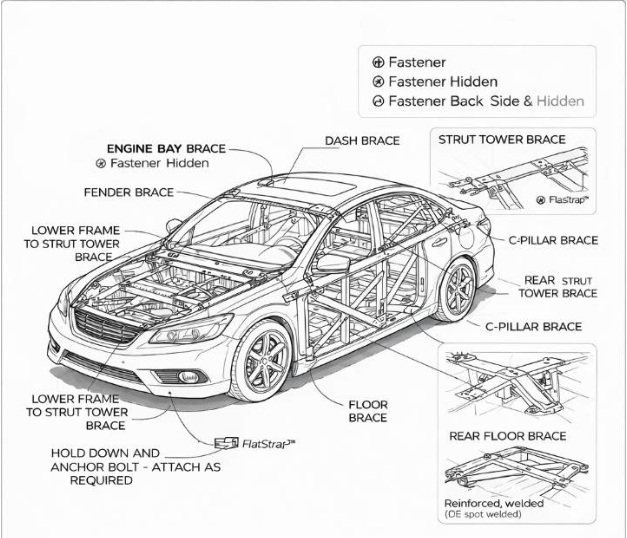
Consistent Documentation
Apply predefined company standards to maintain uniform annotations, views, and labels across all project drawings.
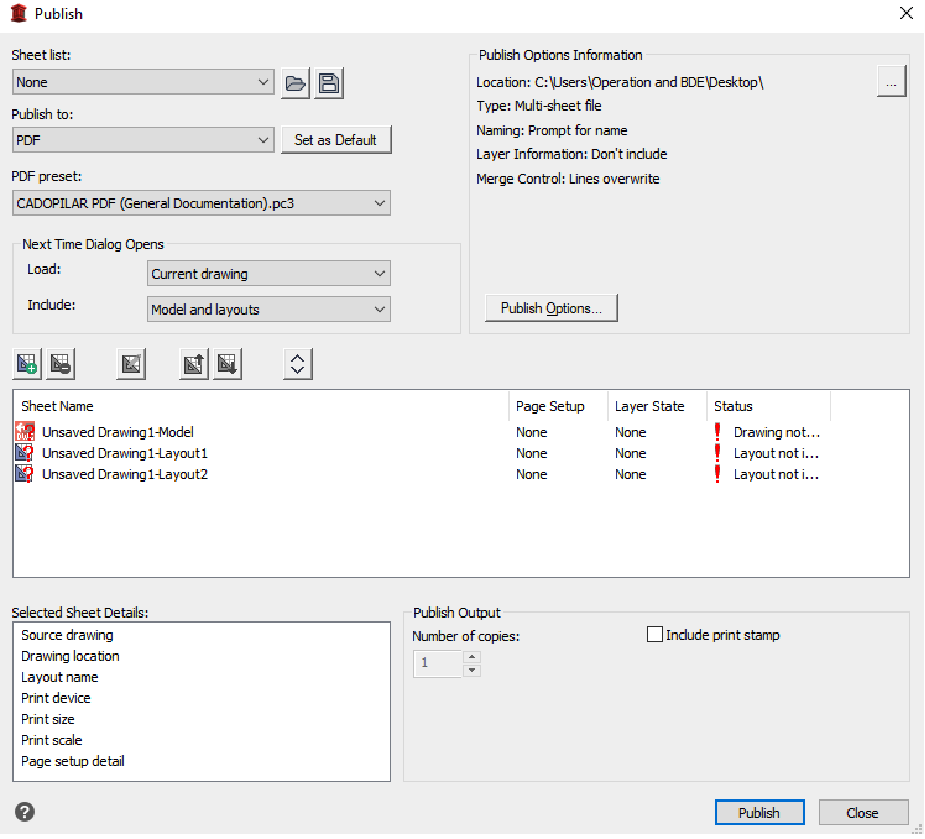
Publish
Plot drawing sets or generate PDF layouts quickly with a single command.
Team Collaboration
Coordinate project drawings seamlessly in a shared environment, ensuring consistent and accurate documentation across all team members.
Who Is Cadopilar Classic For?
A streamlined, high-performance 2D CAD solution for users who don't need 3D modeling or LISP customization.
Technical Specifications
Software Information
System Requirements
Operating System
Win 10 /11
Processor
Intel Core i3 (6th Gen or newer)
Memory (RAM)
8 GB RAM
(16 GB Rec)
Storage
SSD required
Supported Formats
Import
- DWG
- DGN
- DXB DXF
- FMB
- IGES
- OBJ
- SHP
- STEP
- STL
- SVG
- XLS
- DWF (Underlay)
Export
- DWG
- BMP
- CSV
- DGN
- DWF
- DXF
- FMB
- OBJ
Ready to Transform Your Design Process?
Start your free 30-day trial today.