Cadopilar Professional
Advanced 2D & 3D CAD. Built for speed. Designed for accuracy. Optimized for productivity.
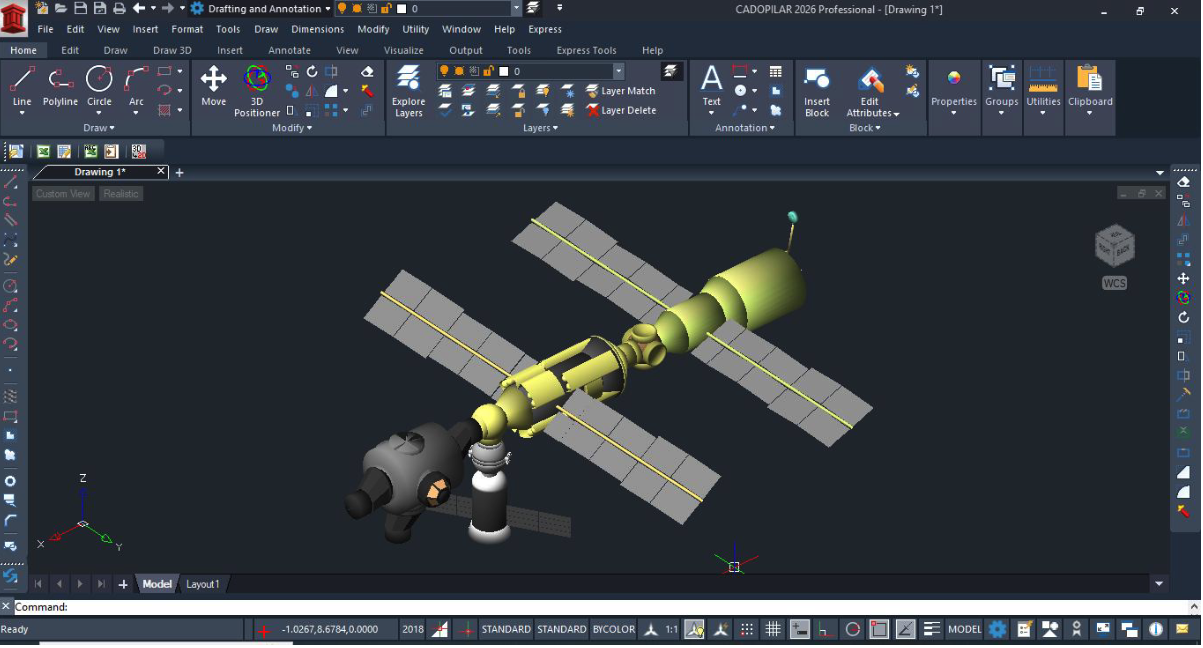
Advanced 3D Modelling Capabilities
Create and visualize highly detailed 3D models using smart, intuitive tools that help communicate, review, and validate design intent effectively.
- Parametric and direct modelling tools
- 2D-to-3D conversion from existing drawings
- Solid and surface modelling
- Manufacturing-ready documentation
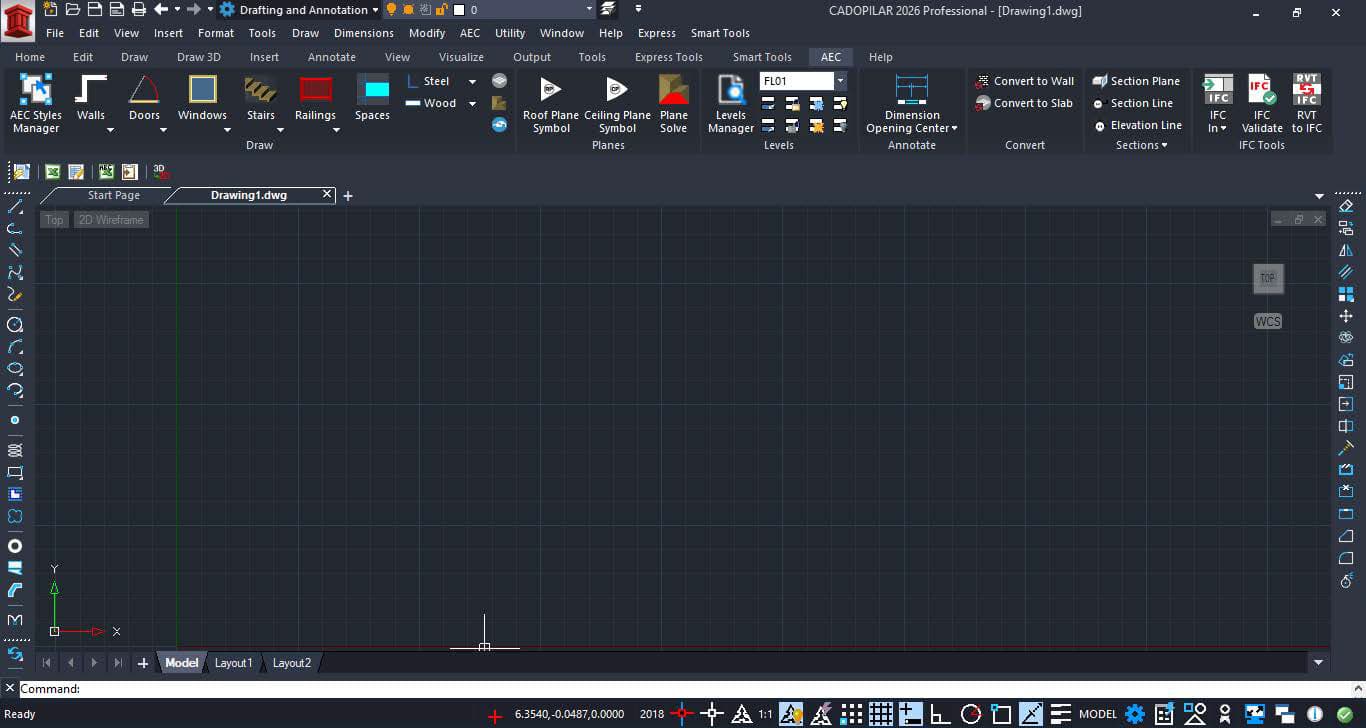
AEC Objects for Professional Workflows
Purpose-built architectural objects simplify creation, modification, and documentation — enabling faster and more efficient architectural drafting.
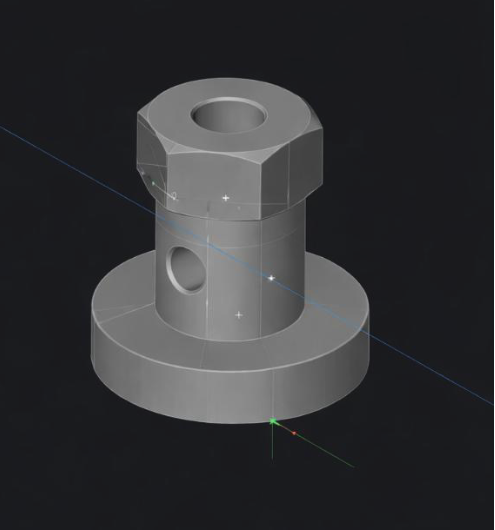
Seamless 3D Modelling from 2D Drawings
Transform your 2D designs into 3D with CADOPILAR's direct modelling tools, giving you precision and full design freedom.
Intelligent 3D Modelling from 2D Data
Transform existing 2D drawings into robust 3D models using both parametric and direct modelling tools, giving you accuracy, flexibility, and complete design control in CADOPILAR.
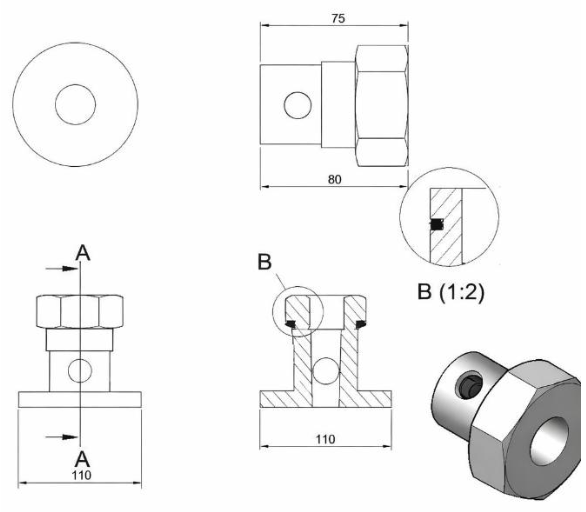
Edit 3D Models and Generate Manufacturing Drawings
Import supplier CAD files using standard neutral formats, modify solid models with direct editing tools, and create accurate 2D drawings for production and documentation.
High-Impact Visualization Using External Tools
Use your 3D CAD models to produce realistic images, animations, and immersive visual experiences by connecting them directly to third-party visualization software.
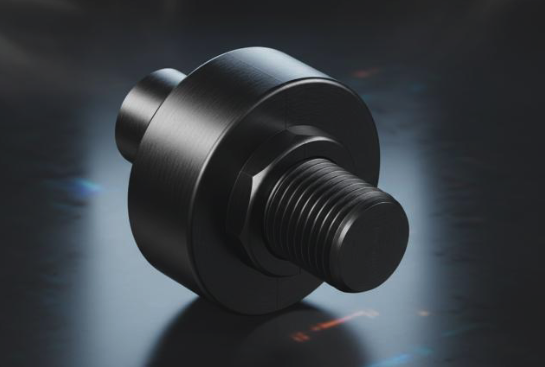
3D Modelling from 2D Data
Speed up 3D modelling in Cadopilar with multiple approaches. Import 2D profiles from existing DWG files to generate 3D geometry, or design 2D sketches and transform them into solid models using sketch-based features. Quickly create standard shapes and modify them easily with direct editing tools.
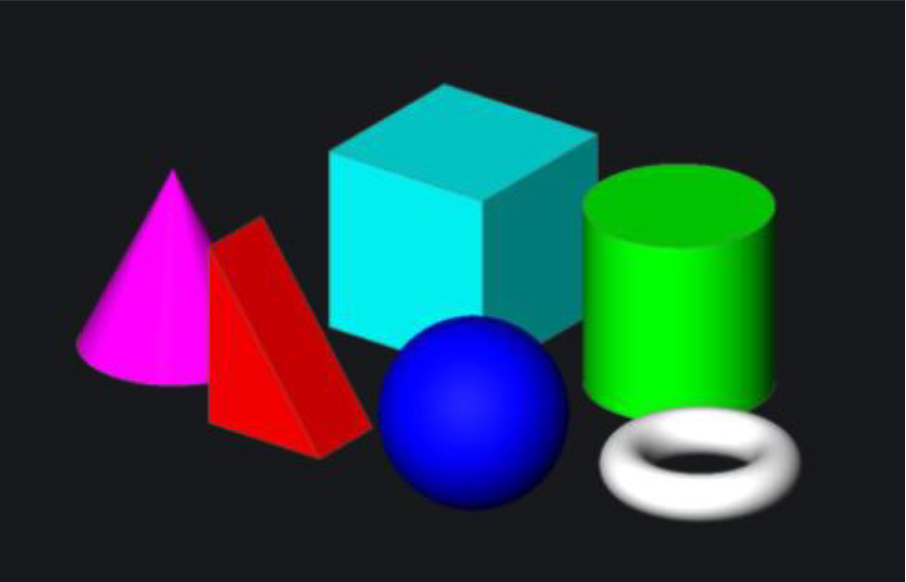
Build 3D Models Using Standard Shapes
Create solid geometry using predefined 3D shapes as building blocks, then refine and modify them with direct modelling tools to quickly develop and explore design concepts.
Sketch-Based 3D Modelling
Create detailed 3D solids from 2D sketches using standard 3D commands. Modify sketch dimensions to refine the design quickly and update related views for concept development.
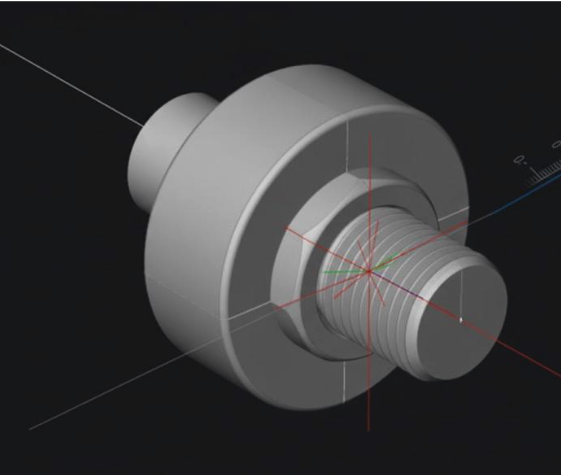
Direct Editing of 3D Solids
Edit imported or native solid models using intuitive direct editing tools. Add or remove material from solid or surface geometry to quickly adjust designs and clearly define design intent.
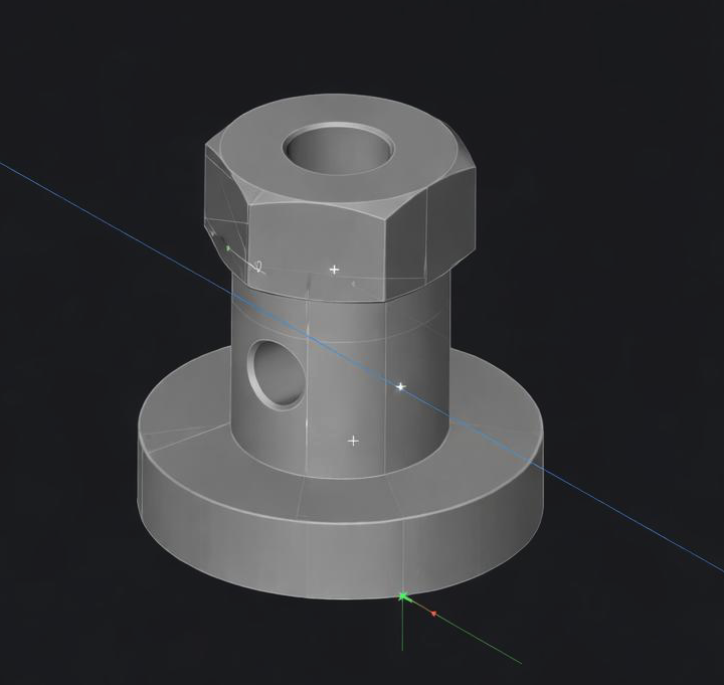
Fast 3D Modelling with Standard CAD Tools
Create 3D models efficiently using familiar DWG-based commands and generate accurate 2D drawings within a single CAD environment.
1. Convert 2D Drawings into 3D Solids
Use existing or imported 2D DWG data to build editable 3D solid components using standard solid modelling tools.
- Standard solid modelling tools
- Editable 3D components
2. Surface and Free-Form Modelling
Develop smooth surfaces and curved geometry using surface tools and spline-based curves for flexible 3D design.
- Surface tools & splines
- Curved geometry support
3. Edit and Transform 3D Objects
Enhance designs by duplicating, mirroring, resizing, and reorienting 3D entities with intuitive manipulation tools.
- Duplicate, mirror, resize
- Intuitive manipulation
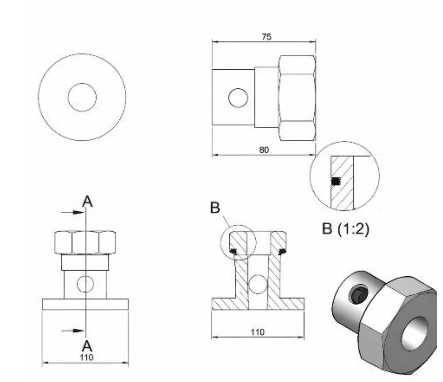
Faster 2D Documentation Using 3D Models
Create 3D geometry and derive accurate 2D drawings to speed up manufacturing documentation.
2D to 3D to create 2D data
Build 3D components from existing 2D DWG data in a single environment. Use 3D solid geometry to generate detailed production data to interrogate hidden details within the model.
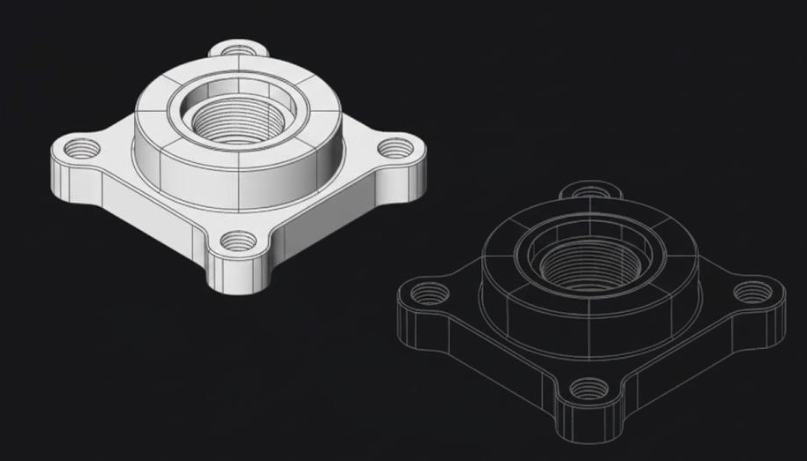
Import Supplier Data Directly
Collaborate seamlessly with suppliers by opening and editing their design data directly within CADOPILAR, enabling smooth workflows across multiple 2D and 3D file formats without conversion.
Flexible Direct 3D Modelling Workflow
Direct solid modelling tools allow rapid 3D design creation and easy modifications, making concept development more efficient and adaptable.
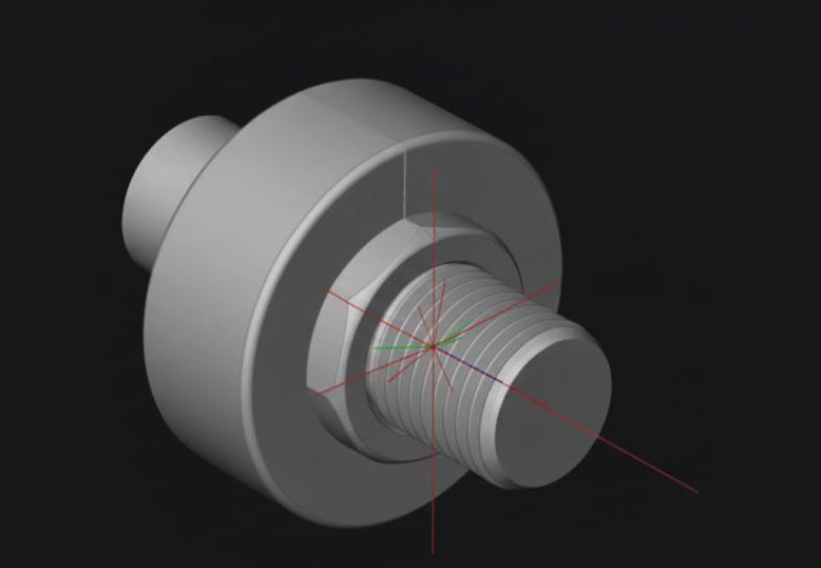
Prepare Models for 3D Printing
Export 3D solid models as STL files for additive manufacturing and prototyping workflows.
2D Planning with Integrated 3D Visualization
Create layouts in 2D and build 3D geometry in the same platform to check interferences and clearances instantly.
Key Capabilities
Everything you need for complex design workflows—from 2D drafting to 3D modelling, documentation, and collaboration.
2D & 3D
- Full DWG compatibility
- Parametric & direct modelling
- Sketch-based 3D
Documentation
- Manufacturing drawings
- Section & detail views
- STL export for 3D print
Collaboration
- IFC & RVT support
- Supplier data import
- Multi-format exchange
Automation
- LISP & API support
- Custom routines
- Batch operations
Who Is Cadopilar Professional For?
A complete 2D & 3D CAD solution for professionals who need advanced modeling, automation, and seamless collaboration across complex design workflows.
Technical Specifications
Software Information
System Requirements
Operating System
Win 10-/11
Processor
Intel Core i5 (6th Gen or newer)
Memory (RAM)
16 GB RAM
Storage
SSD required
Supported Formats
Import
- ACIS
- DGN
- DXB
- DXF
- FMB
- IGES
- OBJ
- SHP
- STEP
- STL
- SVG
- BIM (Underlay)
- IFC (Underlay)
- RVT (Underlay)
Export
- ACIS
- BMP
- CSV
- DGN
- DWF
- DXF
- FMB
- IGES
- OBJ
- STEP
- STL
- WMF
Ready to Transform Your Design Process?
Start your free 30-day trial today.