Description
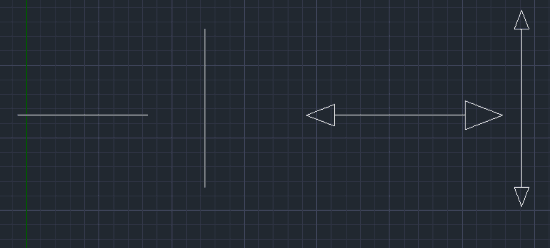
This tool allows you to easily draw a Hollow Arrow at the end of a line.
- Usage Context
- It is particularly useful for creating direction indicators in electrical drawings or schematics.
- Automation
- The command automatically enables Endpoint Object Snap and Ortho mode to ensure precise placement at the end of the line.
How to use
- 1.Type arrow in the command line and press Enter.
- 2.Click the Endpoint of the line where you want the arrow to appear.
- 3.Click a point to define the Direction of the arrow.
- 4.Enter the Height of the arrow.
Example
Included free
All 401 LISP utilities come free with every Cadopilar license.
Purchase any Cadopilar license and our team will install the complete suite for you. No additional charge, no setup headaches.
Contact us to get started →