LISP Utilities
DCHGDCHG.ELFAdd Suffix to Styles and Blocks
Appends suffixes to dimension styles, text styles, and block names.
Description
This tool appends a user-defined suffix to the names of dimension styles, text styles, and blocks in the current drawing.
- Conflict Resolution
- Designed to prevent naming conflicts when merging drawings (copy-pasting) by renaming styles and blocks beforehand.
- Batch Renaming
- Automatically processes all dimension styles, text styles, and block definitions at once.
- Input
- Requires the user to type a suffix string.
How to use
The tool adds this suffix to the names of all dimension styles, text styles, and blocks.
You can now copy (CTRL+C) and paste (CTRL+V) objects into another drawing without overwriting or inheriting unwanted properties from existing styles/blocks with the same original names.
- 1.Type dchg in the command line and press Enter.
- 2.Enter the desired Suffix (e.g., "_V2", "_OLD") and press Enter.
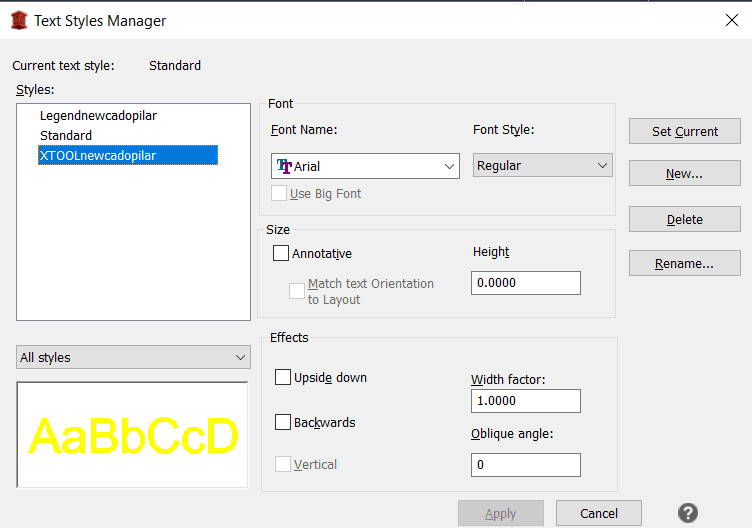
Example
Included free
All 401 LISP utilities come free with every Cadopilar license.
Purchase any Cadopilar license and our team will install the complete suite for you. No additional charge, no setup headaches.
Contact us to get started →