Description
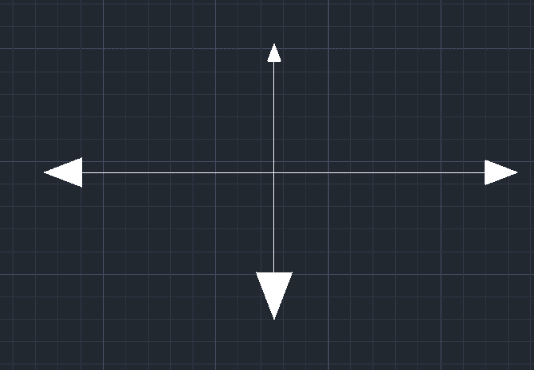
This tool draws a solid (filled) arrow at the end of a line, which is particularly useful in electrical drawings or for indication purposes.
- Automation
- When executed, it automatically enables the Endpoint object snap and turns on Ortho mode to facilitate precise placement.
- Function
- It creates a filled triangular arrowhead at a specified location pointing in a user-defined direction.
- Compatibility
- This is a dedicated Cadopilar Lisp tool and works only within Cadopilar.
How to use
Move the cursor to select the Direction for the arrow.
The solid arrow is drawn at the selected point, pointing in the specified direction.
- 1.Type AR2 in the command line and press Enter.
- 2.Click the End Point of the line where you want the arrow.
- 3.Enter the Height of the arrow and press Enter.
Example
Included free
All 401 LISP utilities come free with every Cadopilar license.
Purchase any Cadopilar license and our team will install the complete suite for you. No additional charge, no setup headaches.
Contact us to get started →